
Security questions were once the gold standard for verifying identity online. From the name of your first pet to your high school mascot, these questions were designed to be easy for you to remember and difficult for strangers to guess. However, as years pass, memory fades—or slight variations in spelling, capitalization, and punctuation can make correctly answering them nearly impossible.
If you find yourself locked out because you cannot remember your security answers, you are not alone. At Easy Login Hub, we specialize in providing practical login guides and security insights to help you regain control of your digital presence safely.
Disclaimer: EasyLoginHub is an independent informational resource. We are not affiliated with, endorsed by, or connected to any third-party brands or service providers mentioned in our guides.
Why Security Questions Fail (and Why Services Are Moving Away From Them)
Security questions present several challenges for both users and service providers:
- Formatting Errors: Did you write “St. Mary’s School” or “Saint Marys School” five years ago? Small formatting differences often trigger access denials.
- Evolving Personal Information: Answers to questions like “What is your favorite book?” can change over time.
- Security Risks: Many traditional security answers can be found through social engineering or public records.
Because of these flaws, major online platforms increasingly rely on multi-factor authentication (MFA) and alternative identity verification options rather than security questions alone.
Step-by-Step Guide: How to Recover Your Account Without Security Answers
When you cannot answer your security questions, follow these structured steps to explore alternative recovery paths.
Step 1: Look for Alternative Verification Links
Most login screens provide multiple ways to verify your identity. If the system prompts you with a security question you cannot answer, look for secondary links on the screen such as:
- “Try another way”
- “I don’t have access to these answers”
- “Verify using recovery email or phone number”
Clicking these options will often redirect you to identity verification via a temporary dynamic code sent to your primary mobile phone or secondary email address.
Step 2: Use Two-Factor Authentication (2FA) Fallbacks
If you previously enabled two-factor authentication on your account, you can often bypass security questions entirely by using your primary authentication method:
- Authenticator Apps: Open your authenticator app (such as Google Authenticator, Microsoft Authenticator, or Authy) to generate a timed code.
- SMS or Voice Codes: Request a dynamic text message or phone call to receive a verification pin.
- Offline Backup Codes: Enter one of the single-use recovery codes generated when you first set up two-step verification.
Step 3: Log In from a Recognized Device or Location
Security systems monitor device fingerprints and IP locations. If you attempt account recovery from a brand-new device or an unfamiliar Wi-Fi network, the platform’s security software will enforce stricter verification challenges (like security questions).
To simplify the process:
- Use a computer, tablet, or smartphone you have previously used to access the account.
- Connect to your home or work Wi-Fi network rather than a public connection or mobile hotspot.
- Use the same browser you normally rely on for logging in.
When platforms recognize your hardware and network, they may reduce the required identity challenges or permit a straightforward password reset link.
Step 4: Fill Out an Account Recovery Verification Form
If automated methods fail, many online platforms offer an manual account recovery form. These forms evaluate account ownership based on historical data rather than simple security questions. You may be asked to provide:
- Previous passwords you remember using on the account.
- Approximate account creation dates.
- Recent activity details (such as subject lines of recent emails sent, recent transaction IDs, or contacts added).
- Government-issued identification (for high-security financial or enterprise services).
Fill out these forms as accurately as possible. Even partial details can help automated verification algorithms confirm your identity.
Step 5: Contact Official Customer Support
If self-service options do not resolve the lockout, reach out to the platform’s official customer support team. Avoid searching for third-party support phone numbers through unverified search engine ads, as these can lead to tech support scams.
Always access support channels directly through the service provider’s official domain name.
How to Troubleshoot Common Login Problems During Account Recovery
Unexpected obstacles can slow down the recovery process. Here is how to handle frequent issues when seeking account recovery assistance:
1. Not Receiving Recovery Emails
- Check your spam, junk, and promotional folders.
- Ensure your inbox storage space is not full.
- Add the platform’s official domain to your email safe-senders list.
- Wait 10–15 minutes before requesting another code to prevent rate-limiting blocks.
2. Expired Verification Links
Most recovery links expire after 15 to 60 minutes for security purposes. If you open a link and receive an error, clear your browser’s cache and cookies, then initiate a fresh recovery request.
3. Lost Access to Recovery Email and Phone
If your backup email address or phone number is out of date, select the option indicating you no longer have access to these devices. This typically routes your request to an extended identity verification form or support ticket review. To troubleshoot common login problems of this nature, refer to specific service guides available on EasyLoginHub.
Preventing Future Lockouts: Account Protection Best Practices
Once you regain access to your account, take proactive steps to prevent future login issues:
- Replace Security Questions with 2FA: Switch to safer authentication methods, such as an authenticator app or security key, which eliminate the reliance on memory-based answers.
- Keep Recovery Information Updated: Ensure your phone number, secondary email address, and physical address listed on the account are current.
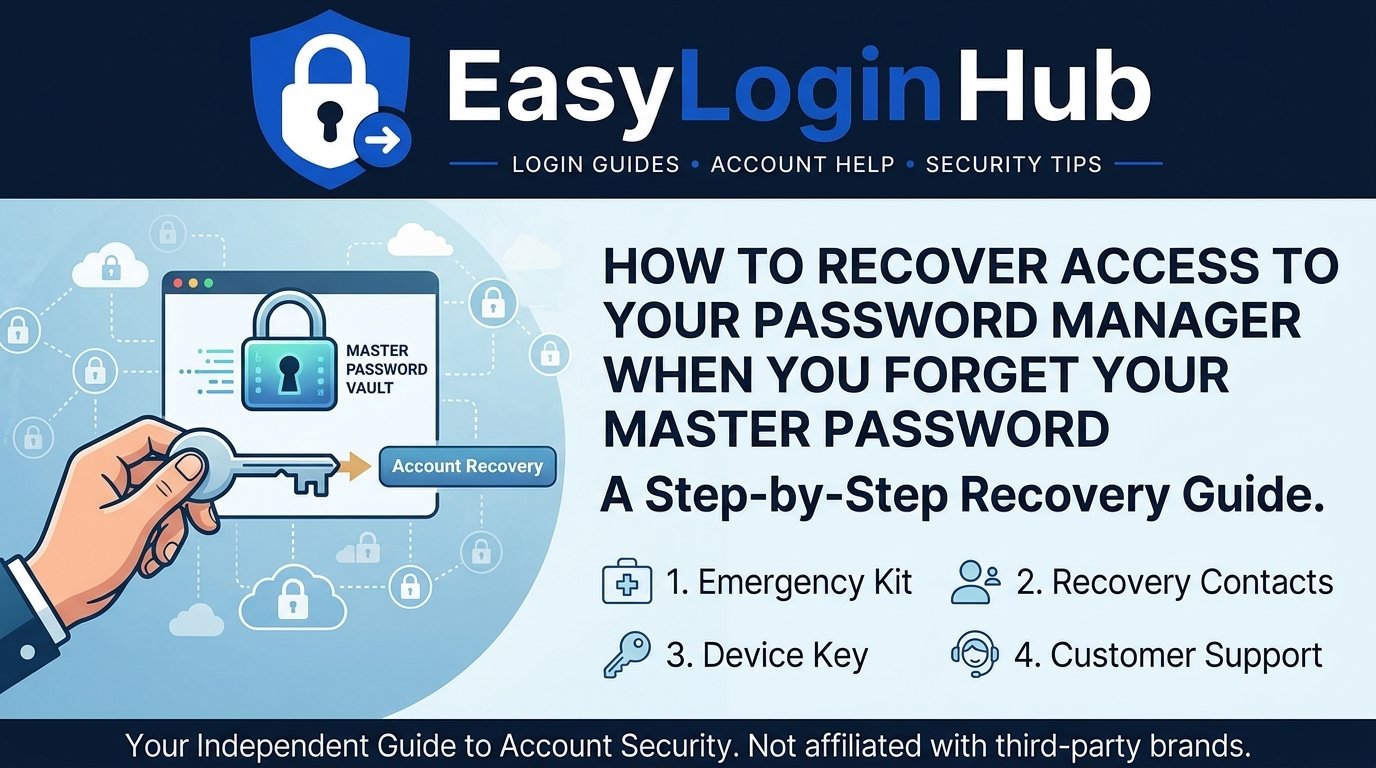
- Use a Password Manager: Save your passwords, backup codes, and security question answers in a secure password manager to avoid typos and memory errors.
- Store Backup Codes Safely: Whenever you enable multi-factor authentication, download the provided single-use recovery codes and store them in an encrypted digital folder or a secure offline physical location.
Frequently Asked Questions (FAQs)
What if I don’t remember any of my account recovery information?
If you lack access to your recovery phone number, recovery email, security answers, and 2FA fallback methods, you will need to submit an identity verification form directly to the platform. In some cases, platforms may require an official photo ID to restore access.
Can customer support give me the answers to my security questions?
No. Customer support representatives cannot view unencrypted security answers for privacy and security reasons. They can only assist you in resetting your security credentials after verifying your identity through alternative means.
Why is my security question answer being marked as incorrect even though I am sure it is right?
Security answers are often case-sensitive and strict regarding punctuation. For example, missing a space, adding a period, or using different capitalization can cause the system to decline your entry. Try common variations of your answer.
How long does manual account recovery take?
Automated verification (SMS codes or email links) takes only a few minutes. Manual reviews of identity forms or support tickets can take anywhere from 24 hours to several business days depending on the service provider.
Conclusion
Forgetting your security question answers can be frustrating, but modern platforms provide clear alternative paths to regain control of your account. By utilizing recovery emails, authentication apps, recognized devices, and formal verification channels, you can solve access issues securely.
For detailed step-by-step guidance tailored to specific platforms and services, consult an expert Login Guide on Easy Login Hub to help navigate your account access needs confidently.