
Facebook remains one of the most widely used social media platforms for connecting with friends, joining communities, following businesses, and managing pages. Accessing your account is usually simple, but login problems can happen because of incorrect passwords, security checks, browser issues, or suspicious activity.
Steps to Access Your Facebook Account
Visit the official Facebook website or open the Facebook mobile app. Enter the email address, phone number, or username connected to your account. Next, type your password and select the login button.
Always check that you are using the official Facebook website before entering your details. Avoid signing in through unknown links received by email, text message, or social media messages.
What to Do If You Forget Your Password
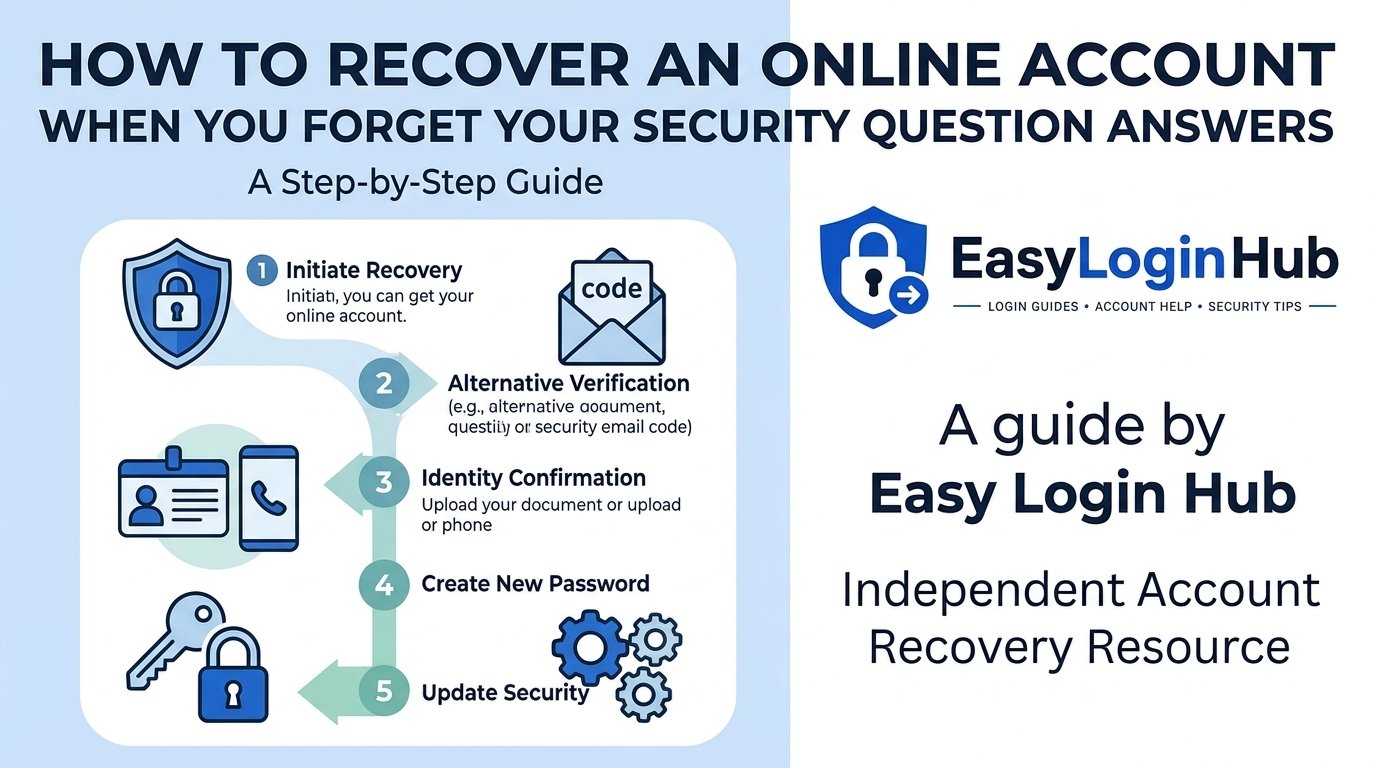
Select the “Forgot password?” option on the login page. Facebook will ask you to identify your account using your email address, mobile number, or profile name. You may receive a verification code by email or SMS.
Enter the code and create a new password that is different from passwords used on your other accounts.
Common Facebook Login Issues
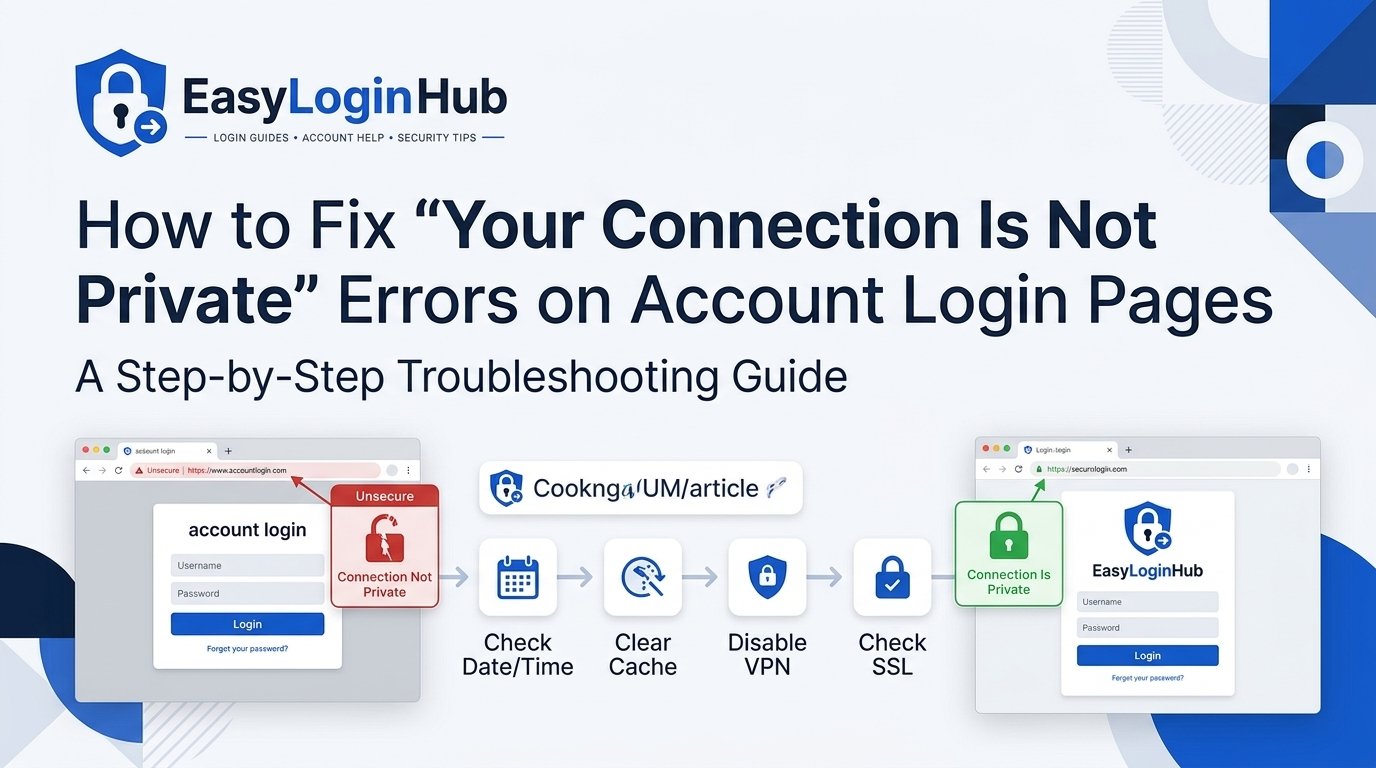
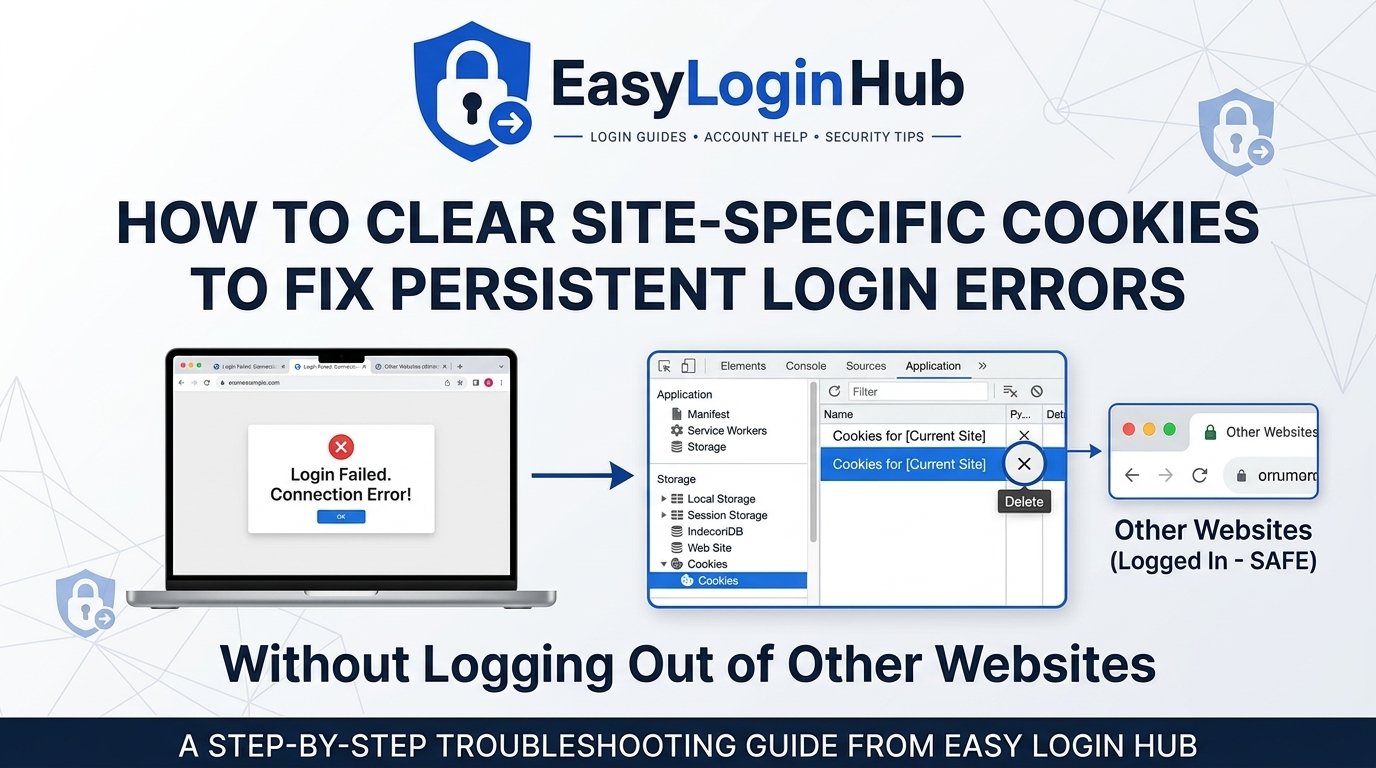
You may be unable to log in if your password was recently changed, your account was temporarily locked, or Facebook detected unusual activity. Clear your browser cache, update the app, or try signing in from a device you have used before.
If your account appears to be hacked, use Facebook’s account recovery tools immediately.
Keep Your Account Secure
Enable two-factor authentication, review active login sessions, and remove unfamiliar devices. Never share verification codes with anyone.
EasyLoginHub provides clear login guidance to help users access popular platforms safely and resolve common account problems with confidence.