
Imagine looking down at your smartphone and suddenly noticing your cellular service has vanished, replaced by an unsettling “No Service” or “SOS Only” icon. Moments later, notification banners flood your screen indicating that your passwords have been changed for your primary email, online banking, or social media accounts. You may be the target of a SIM swap attack.
A SIM swap (or SIM jacking) occurs when a malicious actor tricks your mobile network provider into porting your phone number onto a SIM card under their control. Once the attacker controls your mobile number, they can intercept incoming calls and text messages—including the Security PINs and Two-Factor Authentication (2FA) verification codes used to safeguard your online presence. Because so many platforms rely on SMS for identity verification, a SIM swap can lead to a rapid cascade of unauthorized account access.
If you find yourself in this situation, rapid action is crucial. At Easy Login Hub, we provide clear information and resources to help users manage account security challenges and navigate critical recovery protocols. This emergency response guide details the exact steps you need to take to regain control of your mobile number, secure your digital identity, and restore your compromised accounts.
Disclaimer: EasyLoginHub is an independent educational platform providing technical guidance and security resources. EasyLoginHub is not affiliated with, endorsed by, or connected to any cellular carrier, bank, or third-party service provider mentioned in this guide.
Step 1: Contact Your Mobile Carrier Immediately
The absolute first priority during a SIM swap is to cut off the attacker’s control over your phone number. As long as the hacker controls your number, any SMS reset links you request will land directly on their device.
- Use an alternate phone line: Borrow a family member’s phone or use a landline to call your mobile carrier’s customer protection or fraud department.
- Visit a physical retail store: If you are near an official store for your carrier, go directly to a customer service representative with a valid government-issued photo ID. Physical verification is often the fastest way to prove your identity.
- Report an unauthorized SIM transfer: Inform the representative that your mobile number was swapped without authorization due to fraud. Demand an immediate reversal of the SIM transfer back to a physical SIM card in your hand or an eSIM on your primary device.
- Add account safeguards: Ask the customer service agent to place an immediate fraud alert or security lock on your account, requiring a strict verbal PIN or passphrase for any future account modifications.
Step 2: Secure Your Primary Email Accounts
Your primary email account is the master key to your digital identity. If an attacker gains control of your email, they can reset passwords across virtually every website you use. If you need step-by-step walkthroughs for specific email platforms, review our login guides for clear instructions on navigating reset settings.
If You Still Have Email Access:
- Change your password immediately: Create a long, complex, and unique password using a combination of letters, numbers, and symbols (or a dedicated password manager).
- Remove SMS 2FA: Temporarily turn off text message verification on your email settings so the attacker cannot request a new login code.
- Switch to an Authenticator App: Link your account to an authenticator application (such as Google Authenticator or Microsoft Authenticator) or a hardware security key (like a YubiKey).
- Check account security rules: Review your email account’s forwarders, filters, and connected backup email addresses to ensure the attacker didn’t set up automatic forwarding rules to steal incoming messages.
If You Are Locked Out of Your Email:
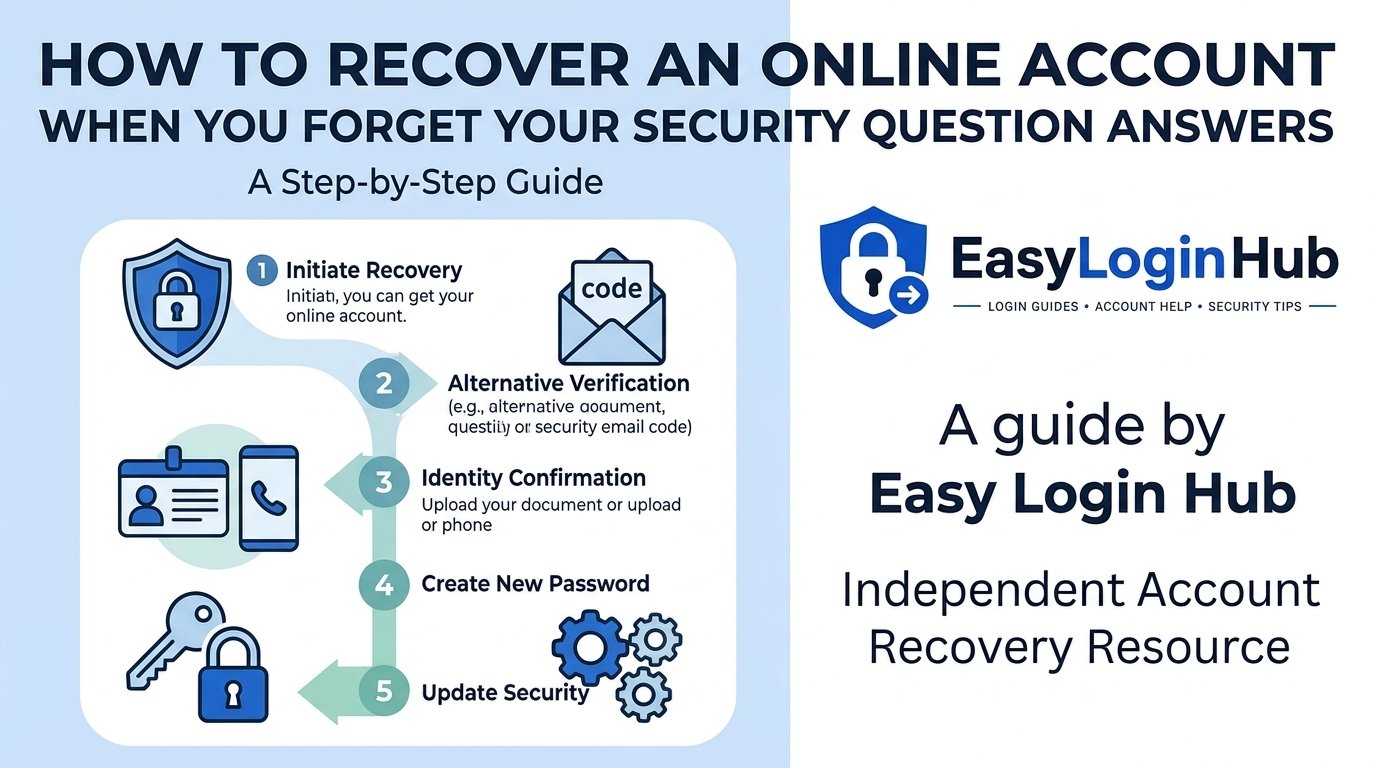
If the attacker has already changed your email password, use the official account recovery forms provided by your email provider. You will need to rely on non-SMS recovery channels, such as a pre-registered alternative email address, trusted contacts, or offline emergency backup codes. If you encounter hurdles during this process, seeking specialized account recovery assistance can help clarify what verification documents standard recovery workflows require.
Step 3: Alert Banks and Financial Institutions
Financial gain is usually the main driver behind SIM swap scams. Attackers quickly attempt to break into online banking apps, peer-to-peer payment platforms, and cryptocurrency wallets.
- Call bank fraud departments: Reach out to your financial institutions via the official phone numbers listed on the back of your debit/credit cards or official statements.
- Freeze your accounts and cards: Request a temporary freeze on online banking access, outgoing transfers, and connected payment cards until your phone line is restored.
- Notify credit bureaus: Place a temporary fraud alert on your credit file with major credit reporting agencies to prevent unauthorized line-of-credit openings.
Step 4: Recover Key Social and Online Profiles
Once your mobile line and primary email are secured, begin auditing your remaining digital services. Social media platforms, shopping accounts, and cloud storage profiles require methodical attention to prevent further unauthorized access.
To troubleshoot common login problems during emergency recovery:
- Navigate directly to the platform’s official login screen and select “Forgot Password?”.
- Choose password reset delivery via your secured email address rather than SMS.
- If the attacker updated the recovery details on your social account, use the platform’s identity verification portal (which may require submitting identity verification or video selfie confirmations).
- Check out our detailed Login Guide tutorials for platform-specific insights on navigating security lockouts.
Step 5: Log Out Active Sessions and Audit Connected Devices
Even after changing your credentials, an attacker might remain signed into your accounts if active sessions are not manually terminated.
- Sign out of all devices: Look for settings labeled “Security,” “Active Sessions,” or “Where You’re Logged In” across your accounts and select “Log out of all other sessions.”
- Revoke third-party app authorizations: Check the list of authorized third-party applications linked to your email or social accounts. Revoke access for any unknown or non-essential applications added during the compromise.
- Inspect recovery information: Re-verify that recovery phone numbers, secondary email addresses, and emergency contacts listed on your accounts belong solely to you.
Step 6: Fortify Your Digital Identity Against Future Attacks
Recovering from a SIM swap is taxing, but taking proactive security steps now will protect your accounts from similar vulnerabilities in the future.
| Security Measure | Vulnerability Addressed | Recommended Action |
|---|---|---|
| Carrier Porting Security | Unauthorized SIM transfers at the phone company level. | Set up a mandatory Verbal PIN/Passcode with your carrier that must be provided before any SIM change or transfer. |
| Authenticator Apps (TOTP) | SMS interception via SIM swapping or signal spoofing. | Replace SMS-based 2FA with app-based tokens (e.g., Google Authenticator, 1Password, or Authy). |
| Hardware Security Keys | Phishing and remote 2FA interception. | Use physical USB/NFC hardware security keys (e.g., YubiKey) for critical high-value accounts. |
| Unique Passwords | Credential stuffing attacks across multiple sites. | Store strong, randomly generated passwords in a dedicated password manager. |
Frequently Asked Questions (FAQ)
How do I know if I’m a victim of a SIM swap or just experiencing network outage?
A typical network outage usually affects multiple users in an area, but you will still have access to Wi-Fi features, and your carrier account will remain normal. In a SIM swap attack, your device loses service suddenly, and you may receive a confirmation text or email from your carrier stating that your SIM card or device was changed. If you test your phone on a working Wi-Fi network and discover password reset alerts in your inbox, you are likely facing a SIM swap.
Why is SMS two-factor authentication considered risky?
SMS messages are transmitted over cellular networks without end-to-end encryption and rely on phone numbers tied to mobile carriers. Because phone numbers can be redirected via SIM swapping or social engineering attacks against carrier support agents, SMS is far less secure than software-based authenticators or hardware keys.
What should I do if the hacker changes my account email and phone number?
When hackers change your contact details, most platform security systems generate an automated alert to your original email address containing a direct link such as “If you did not make this request, click here to protect your account.” Act on those emergency emails immediately. If that fails, proceed to the platform’s official identity verification process to restore access.
Final Thoughts
Experiencing a SIM swap attack can be alarming, but acting swiftly minimizes potential damage. By immediately securing your cellular line, safeguarding your primary email, contacting financial institutions, and transitioning to robust authentication mechanisms, you can safely recover your accounts and protect your online presence. For step-by-step guidance on account management and security troubleshooting, explore the comprehensive tutorials on EasyLoginHub.